

In short: Use 16:9 for YouTube and LinkedIn in-feed video, and 9:16 for TikTok, Instagram Reels and Facebook Reels. TikTok says its safe zone depends on the ad's dimensions and caption length, so use its safe zone templates rather than a guessed margin. Keep faces and text well inside the frame, and cut a vertical version from a wide master with the subject centred before you export.
Each platform has its own frame, and a video cut for one will not fit the others. Decide the ratios before the shoot, frame for the one you need most, and check the safe area before export.
Which ratio goes where
| Platform | Ratio | Size or limit | Note |
|---|---|---|---|
| YouTube | 16:9 | Standard on computers | YouTube adapts the player to other ratios |
| YouTube Shorts | 9:16, or 1:1 | 1080 by 1920 px | Up to three minutes, per Sprout Social's table |
| TikTok ads | 9:16 recommended, also 16:9 and 1:1 | Vertical at least 540 by 960 px | Horizontal at least 960 by 540 px, square at least 640 by 640 px |
| TikTok organic | 9:16 | 1080 by 1920 px | Sprout Social's platform table |
| Instagram Reels | 9:16 | 1080 by 1920 px | Sprout Social's platform table |
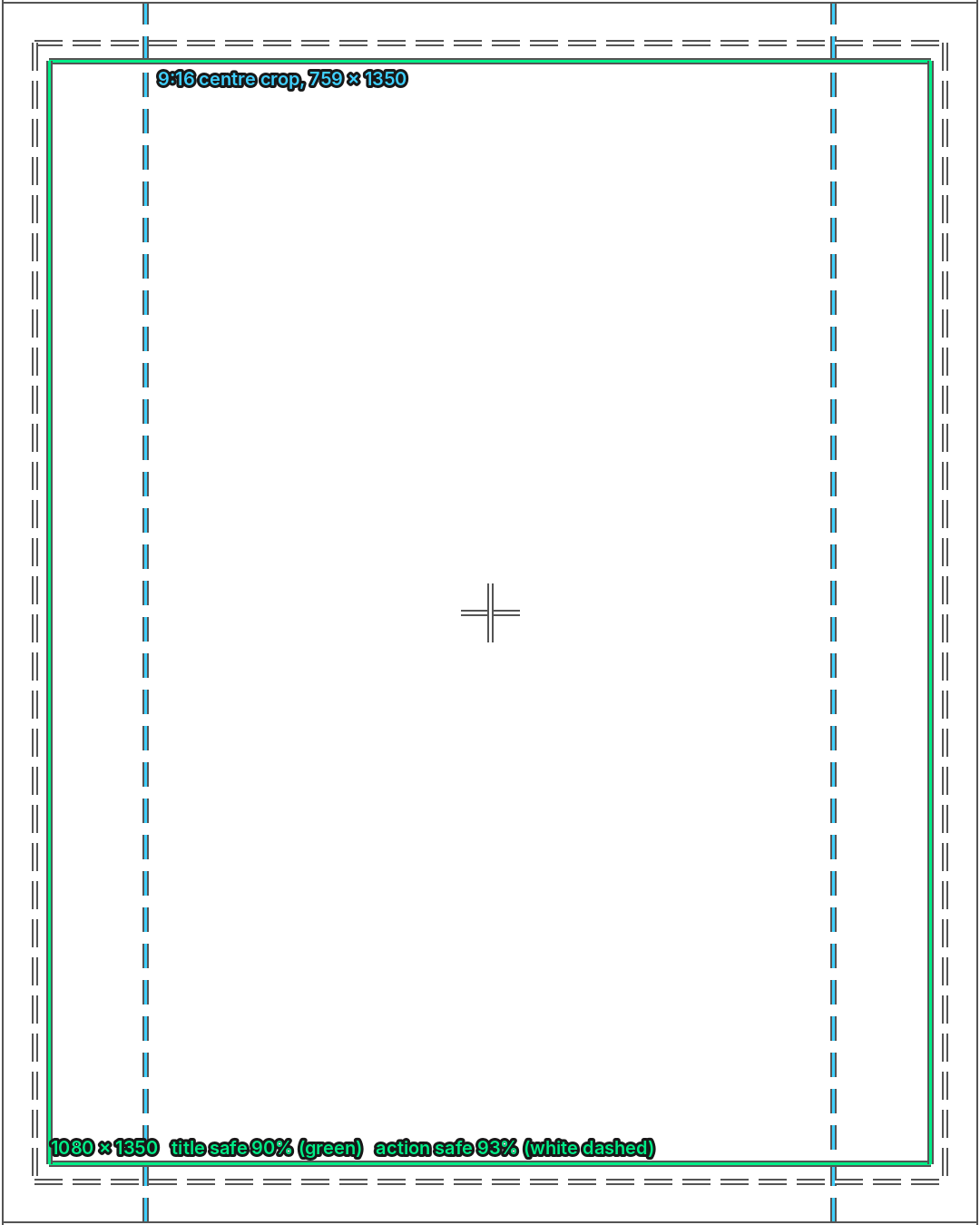
| Instagram feed | 4:5, 1:1 or 3:4 | 1080 by 1350 px at 4:5 | Sprout Social's platform table |
| Facebook video and Reels | 9:16 | 1080 by 1920 px | Sprout Social's platform table |
| LinkedIn in-feed | 1:2.4 to 2.4:1 | 256 by 144 px to 4096 by 2304 px | No single recommended size for organic video |
Native limits change, so check the platform's own page on the day you upload.
What the calculator does
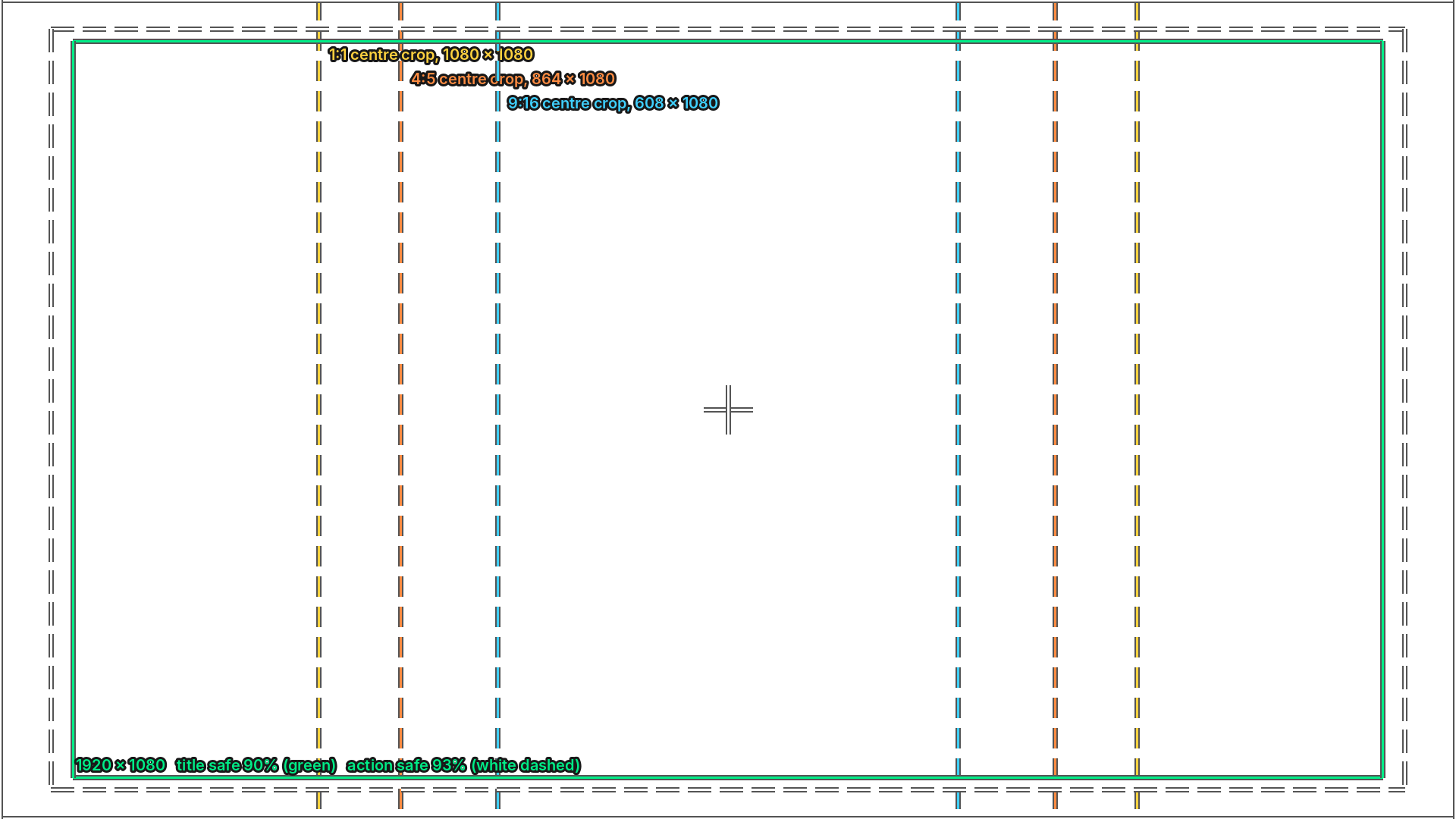
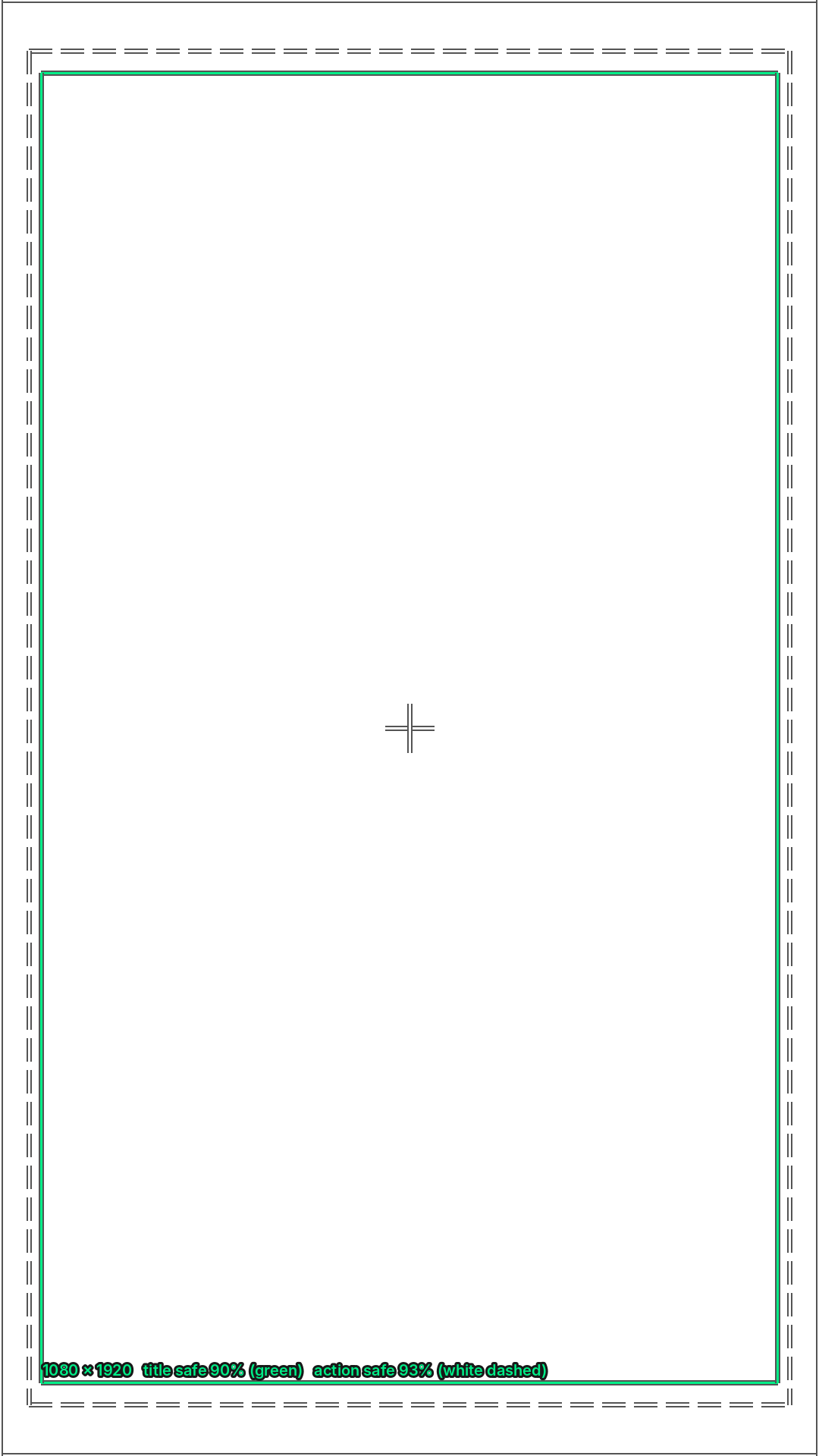
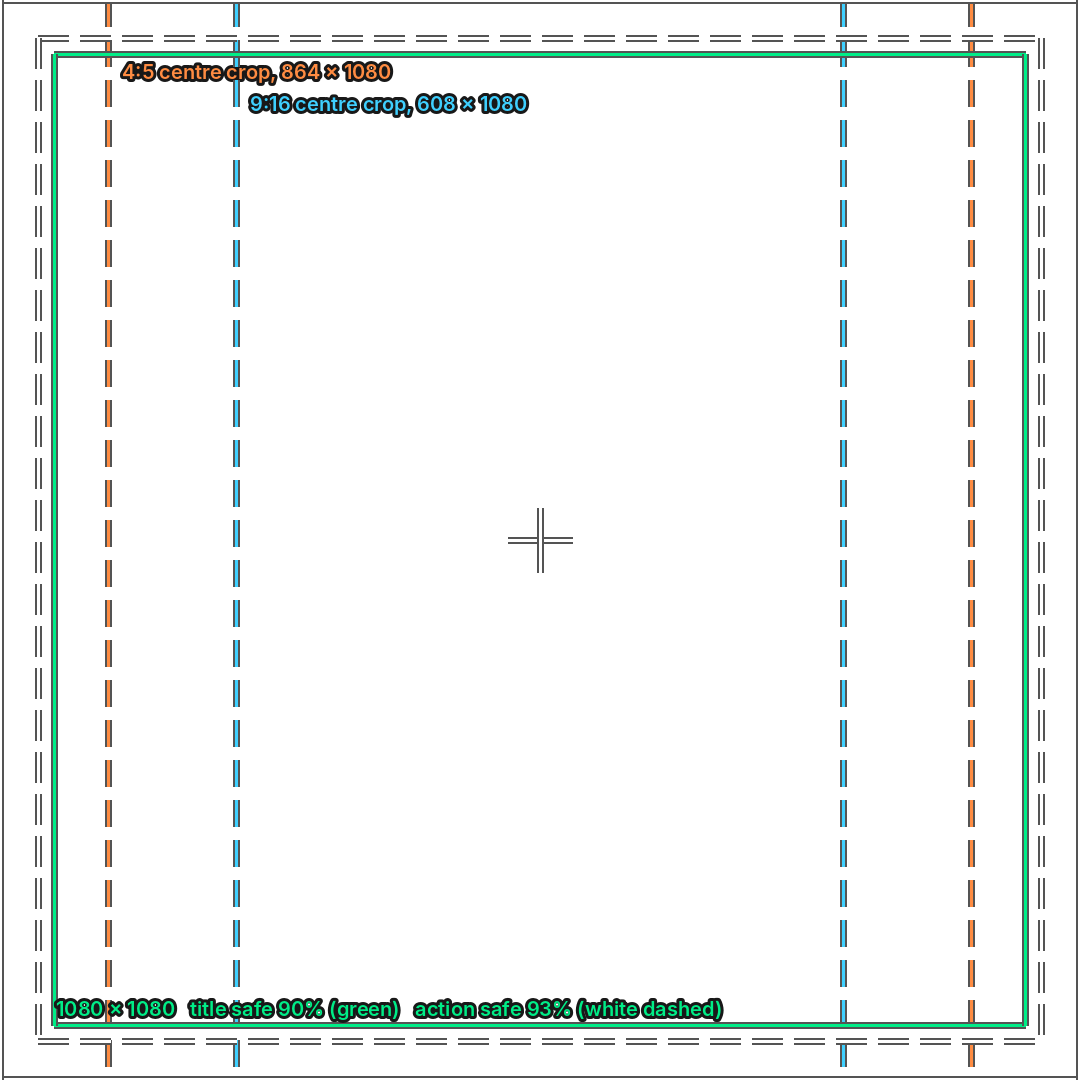
The calculator takes the size of your wide master and works out where a vertical or square crop sits inside it. It marks a generic title-safe area (90 per cent by default) and action-safe area (93 per cent by default), and you can type in each platform's own interface margins, as percentages, from the platform's template. No platform margins are built in, so the safe areas are only as good as the figures you enter. That lets you see whether a face, a hand or a caption survives the crop before you export.
How to use it, step by step
- List the platforms the video must reach, and the one you care most about. Frame for that one first.
- Set the master size, usually the wide ratio you shot in.
- Enter the crop ratio for each other platform and note the crop width and height.
- Check that the subject's face and any text sit inside the title-safe and action-safe areas for each crop, and clear of any platform margins you have entered.
- Test each crop on a phone before you export.
- Export each ratio as its own file. Do not let a platform crop it for you.
A worked example
A wide interview shot at 16:9 has the speaker seated left of centre. A 9:16 window taken from the full height of that frame is about a third of its width, so the crop has to move right to keep the face in it. Set the crop centre on the face, check the hands stay in frame, and export a 1080 by 1920 file for Reels. Then export the 16:9 master for YouTube. The edit stays the same; only the crop changes.
Common mistakes
- Cropping a wide shot for vertical without checking that the subject and hands stay in frame.
- Exporting one 9:16 file and expecting YouTube to fit it to a wide screen.
- Using a square crop for a Reel without checking the platform's own guidance first.
- Placing captions and titles at the edges of the frame, where platform overlays sit.
- Cropping vertical from an HD master. A 9:16 slice of a 1920 by 1080 frame is only about 608 pixels wide, so shoot in 4K if you plan to crop.
- Assuming the limits from last year still apply.
If the plan needs both ratios from one session, the Content Studio page explains what a content day covers. For the file settings that go with each ratio, see the video specs cheat sheet.
Sources
- YouTube Help, Recommended upload encoding settings, read 5 November 2026
- TikTok for Business Help Centre, Auction in-feed ads, read 5 November 2026
- Sprout Social Insights, social video specifications (native limits as of October 2026), read 5 November 2026
Related guides
The picture at the top of this page is an illustration, not a photograph of a client or a real job.
Questions we get asked
What aspect ratio should I use for TikTok?
Nine by sixteen, which is vertical. TikTok's ad guidance recommends 9:16 with a minimum of 540 by 960 pixels, and its organic guidance lists 1080 by 1920 pixels.
What is a safe area for a social video?
The part of the frame that stays clear of platform buttons, captions and cropping. TikTok says its safe zone depends on the ad's dimensions and caption length, so use its safe zone templates rather than a guessed margin.
Can I use one video on every platform?
Not without a crop or a second cut. A 16:9 video does not fill a vertical screen, and a 9:16 video loses the sides of a wide shot. Cut a separate vertical version from the wide master.
granary.digital · 01243 884993 · studio@granary.digital · The Old Grainstore, Adsdean, Chichester, West Sussex, PO18 9DN · Prices exclude VAT unless marked inc VAT