

Read the transcript
Recording a guest over a video call? Then you're recording the internet, not the guest. Compressed audio, frozen frames, and a voice arriving a fraction late. Three things fix it. Mix-minus, so the guest hears everyone except themselves. A recording at both ends, with the guest's end captured on their own machine at full quality. And an engineer on the line, whose only job is levels, the link and the backup. Think your guest's connection is perfect? It will drop eventually. With a local recording at each end, the host repeats the question and the edit removes the gap. Remote guests are part of any produced episode at 395 pounds plus VAT, and of hourly sessions from a hundred and eight pounds plus VAT. Granary Digital. A working studio since 2005.
The problem with a video call
Record a guest over a video call and you are recording the internet, not the guest: compressed audio, a frozen frame every time their wifi blinks, and their voice arriving a fraction late. It is fine for a meeting. It is not what a listener should hear for forty minutes.
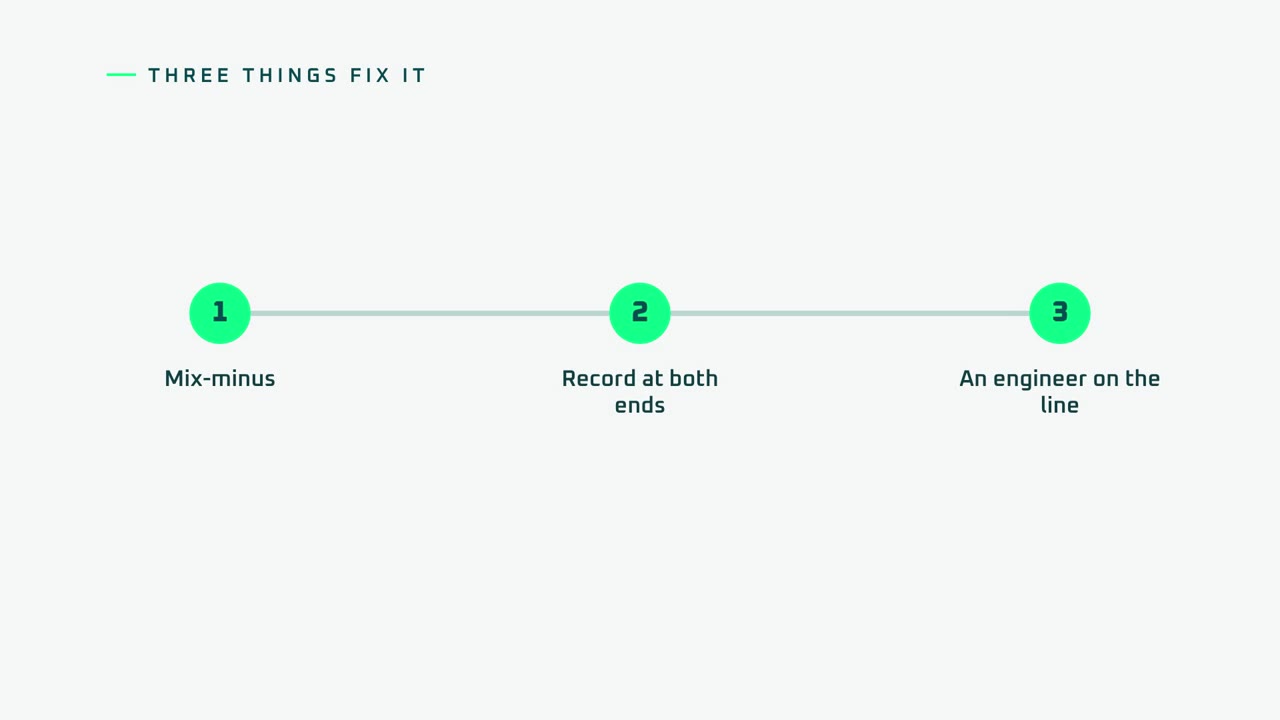
Three things that fix it
- Mix-minus. The guest hears everyone except themselves. Send them the full mix including their own voice and it comes back a moment later in their ear, and they start to stumble. Broadcast desks are built to prevent this and ours is set up that way for every remote session. It is the same discipline that makes our media training feel like a real interview.
- Record at both ends. The studio end is recorded here in full quality, obviously. The guest's end is recorded locally too, on their own machine at full quality, and retrieved after the session. The link is only for the conversation; the files are what get edited.
- An engineer on the line. Someone whose only job is levels, the link and the backup. The host talks; the engineer worries.
When the line drops
It will, eventually. With a local recording at each end, the conversation pauses, the link comes back, the host repeats the question and the edit removes the gap. Without it, the frozen minute is the show. This is why we insist on the local recording even for guests who say their connection is perfect.
Which platforms
We work with the remote recording platforms podcasters already use and with broadcast-grade links (Source-Connect Pro) for radio and TV contributions. The guest needs a laptop, a decent USB microphone or headset, headphones, and ten minutes with the engineer before the session for a line check. We send a one-page guide beforehand.
Being the remote guest yourself
The same room works in reverse. If you are the guest on someone else's show, a webinar or a broadcast interview, book the remote interview studio: broadcast sound, a 4K camera, autocue and fibre, with your end recorded in full quality so the appearance becomes your own clips.
What it costs
Remote guests are part of any produced episode at £395+VAT, and of hourly sessions from £108+VAT. Being the remote guest from our studio is from £39+VAT an hour.
Related guides
- The Podcast Studio: hire the room
- Produced podcasts
- What is in a produced episode
- One camera or three?
- The finished-hour maths for audiobooks
Ready when you are
Availability and a firm quote, usually same day. No pressure, no hard sell.
Questions we get asked
What is mix-minus?
A feed to a remote guest that contains everyone's audio except their own, so they do not hear themselves back on a delay. Without it, most people stumble within a minute.
Do you record the guest's end separately?
Yes. The guest's audio and video are recorded locally on their machine in full quality and collected afterwards, so a dropped link never ruins the episode.
What does the guest need?
A laptop, a USB microphone or headset, headphones, and ten minutes before the session for a line check with the engineer.
granary.digital · 01243 884993 · studio@granary.digital · The Old Grainstore, Adsdean, Chichester, West Sussex, PO18 9DN · Prices exclude VAT unless marked inc VAT